Scene mode
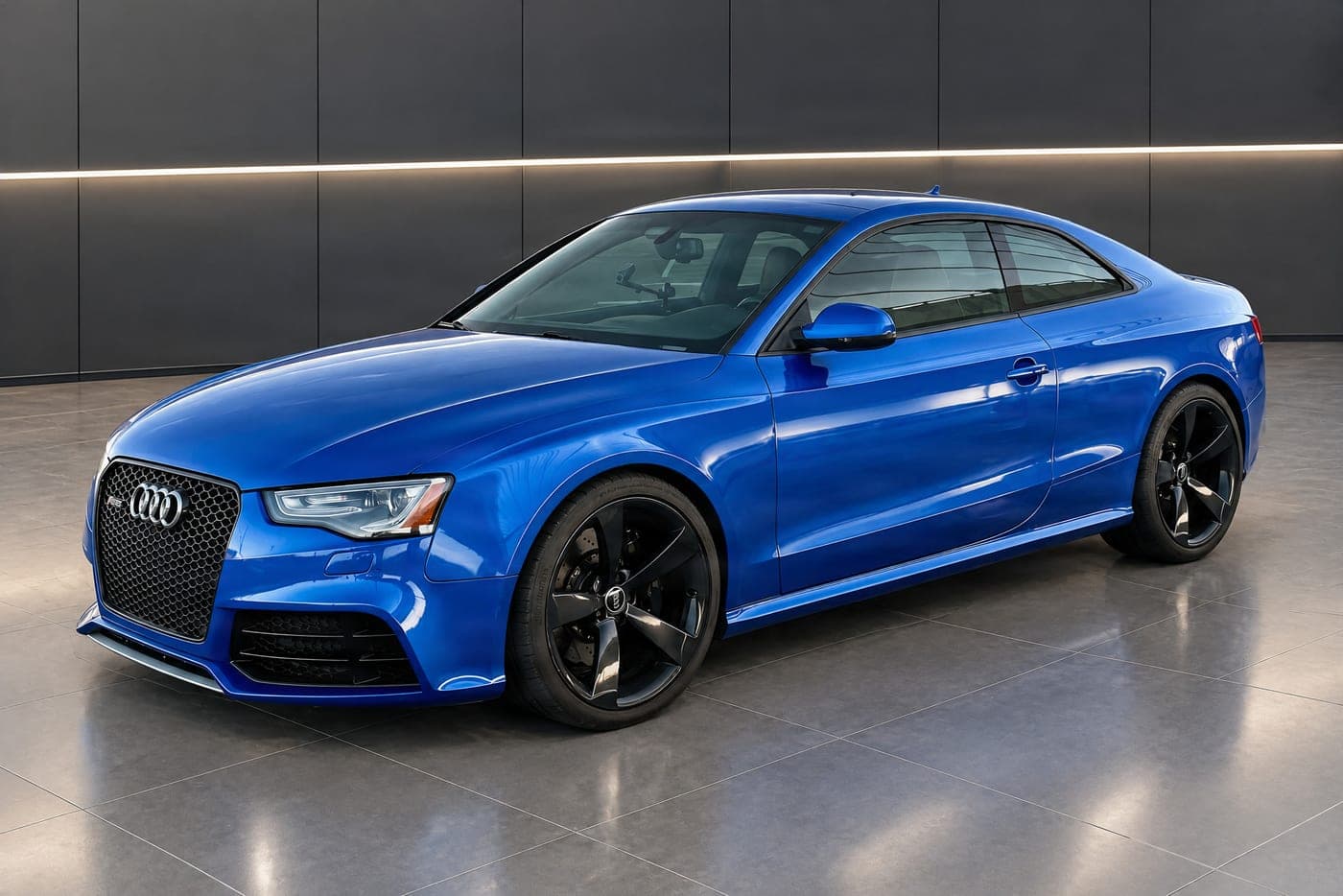
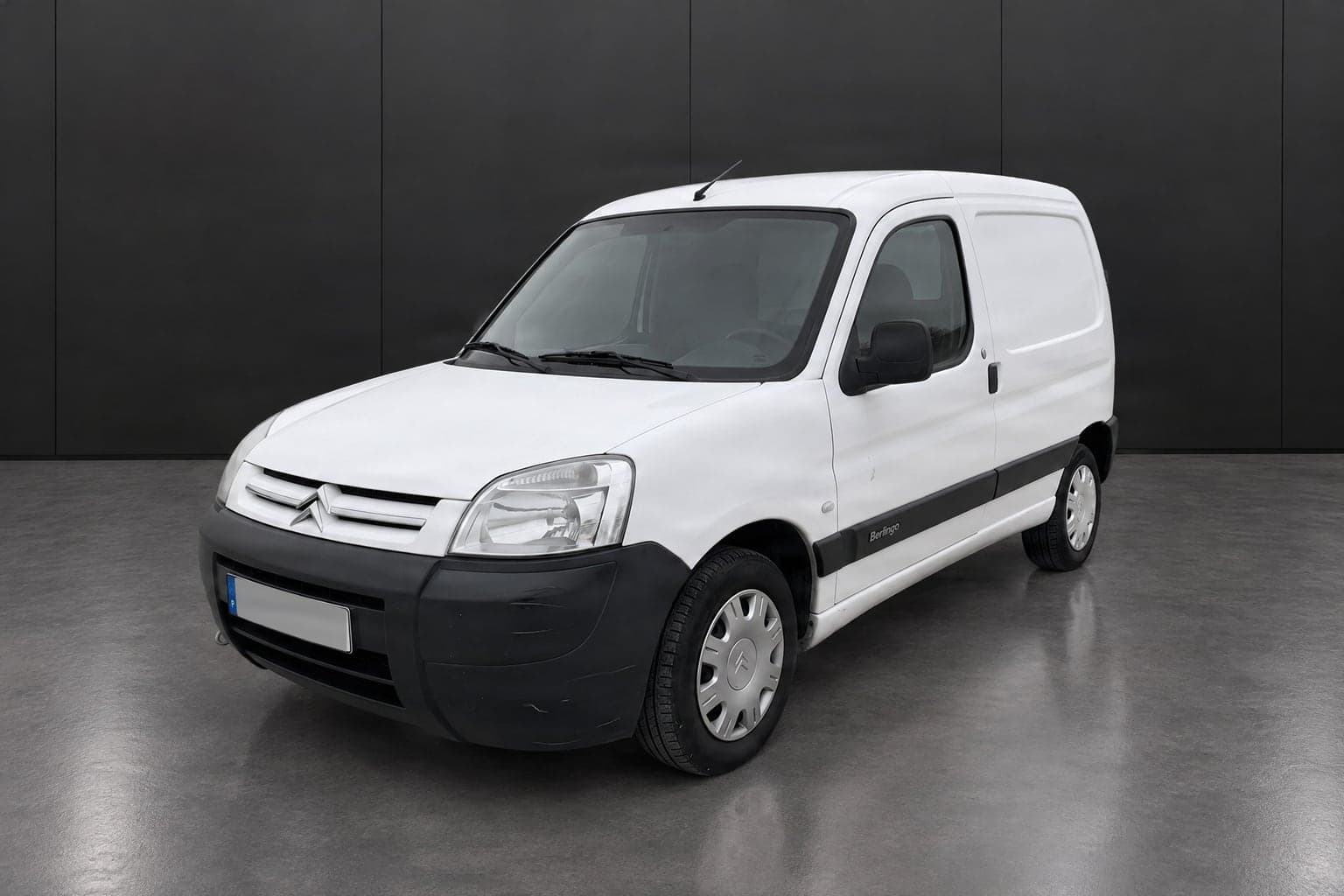
Take the vehicle into a studio, a showroom or a landscape, with the light and reflections of a professional shoot and, on scenes with a wall, your logo. No photographer to hire.

 Original
What it does
Takes the vehicle into the scene you picked, a studio, a showroom or a landscape, with light, reflections and shadows to match, in your photo's own framing. In scenes with a wall, your logo goes on the wall and, if you want, on the plate. You can also make the plate unreadable, at no extra cost.
Worth knowing
The scene is created with AI and the vehicle takes on the light and reflections of the new scene, as in a studio shoot. Before you use the photo, check details such as the wheels and trim next to the original.
Which photos it takes
Exterior photos of the vehicle, even if the edge of the frame cuts it off. Also with the bonnet or the boot open, as long as the vehicle shows and not only the engine or the boot. Sharp photos with good light and the vehicle standing out from the background work best. Interior and detail photos are left out before it starts, at no cost, and the rest go ahead.
What is included
- Light, reflections and shadows to match the scene
- Studio, showroom and landscape scenes, and the ones you create from a photo, with your logo on those with a wall
- Your logo over the photo, wherever you place it
- A photo that does not work costs no credits
- Cost
- 3 credits per photo
- At a time
- up to 10 photos
- Format
- Same as your photo, or 3:2, 4:3, 1:1 and 9:16
- Licence plate
- Hidden at no extra cost, or with your logo
- Quality
- Normal, or maximum (4K) for 2 more credits per photo
- Try it
- 3 free test photos, before you buy credits
The same scene across your whole stock
17 studio, showroom, dealership-front and Portuguese landscape scenes. Stick to one and every vehicle gets the same brand image, listing after listing.
White cyclorama

White panels

Grey studio

Black panels

Concrete

Dark showroom

Glass showroom

Wood showroom

Dealership forecourt

Roadside dealership

Cobbled street

Under the viaduct

House driveway

Rooftop car park

Whitewashed wall

Cork oak road

Coast road
Create a scene of your own
Upload a photo of a place you like, your showroom or another, and use it as the scene for your whole stock. It is kept in your account, next to CarStudio's scenes.
Creating the scene uses no credits, and each photo costs the same as with the other scenes.
Where the place has a wall, your logo goes on it, as in the other scenes.
The place is recreated around each vehicle: it looks like the photo, without the people, vehicles and signs that were in it.
With your logo
On scenes with a wall, your name or logo goes on it. You set it once and it appears in every photo.
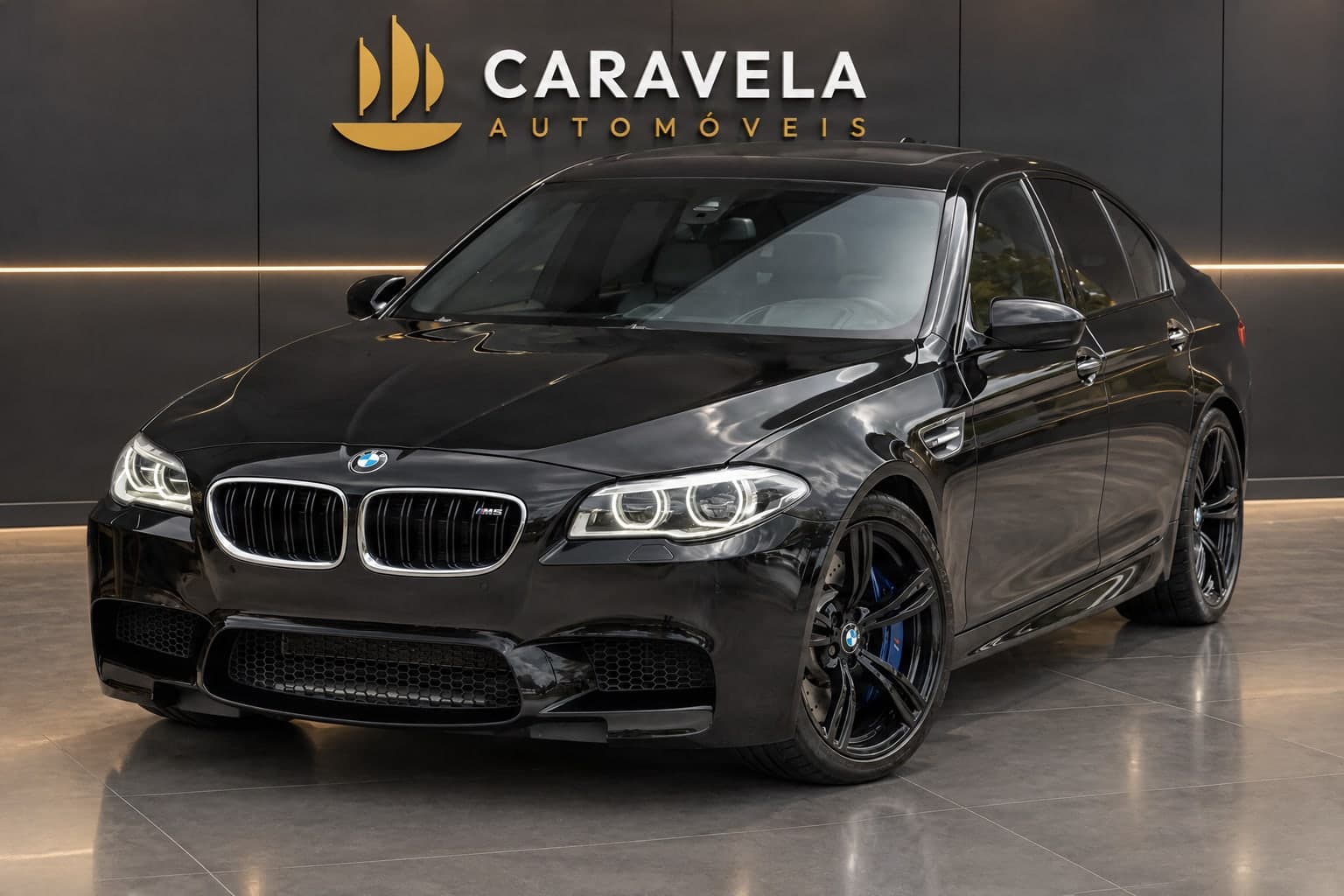
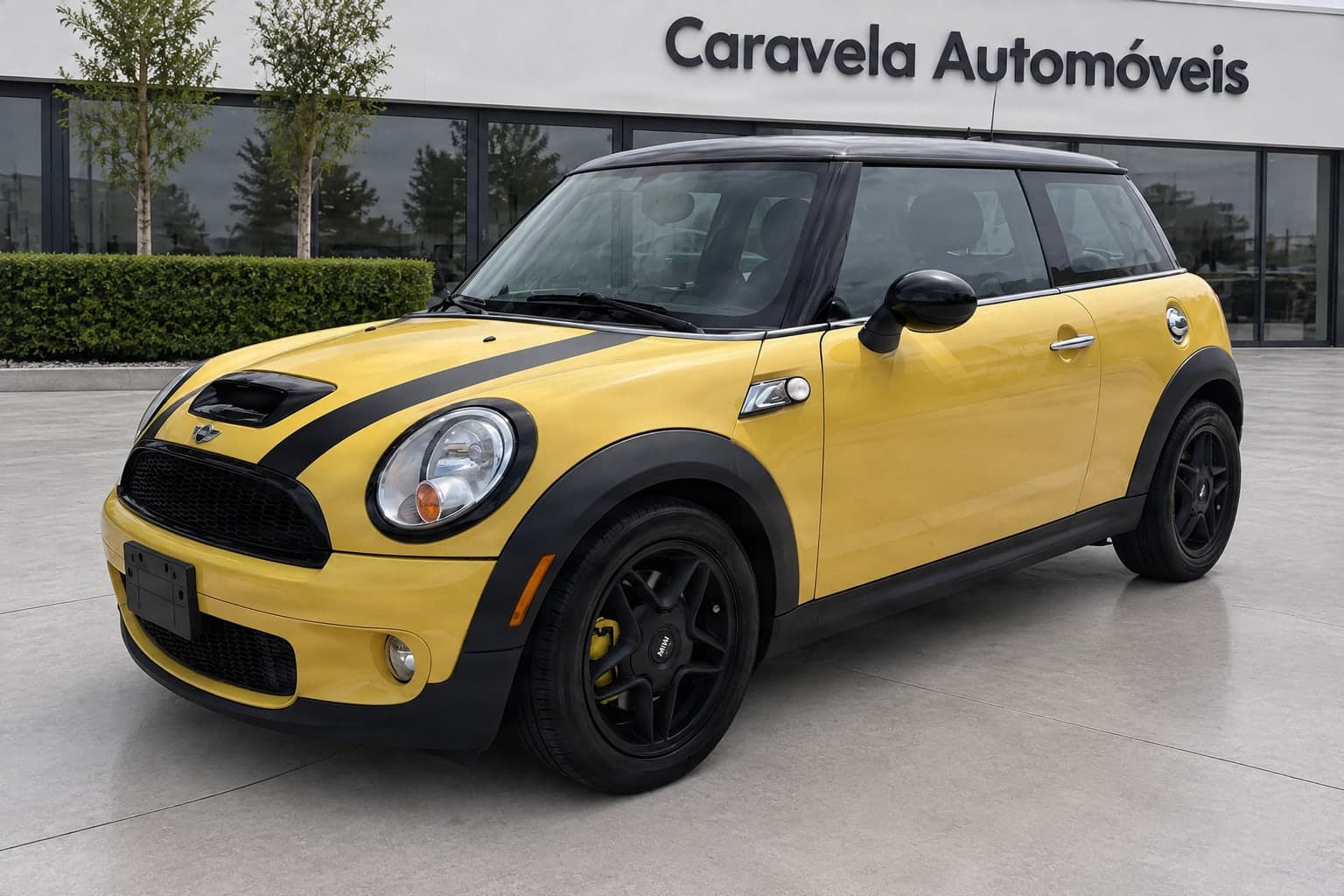
Any vehicle
City car, coupé, SUV or estate, each in the scene you choose.
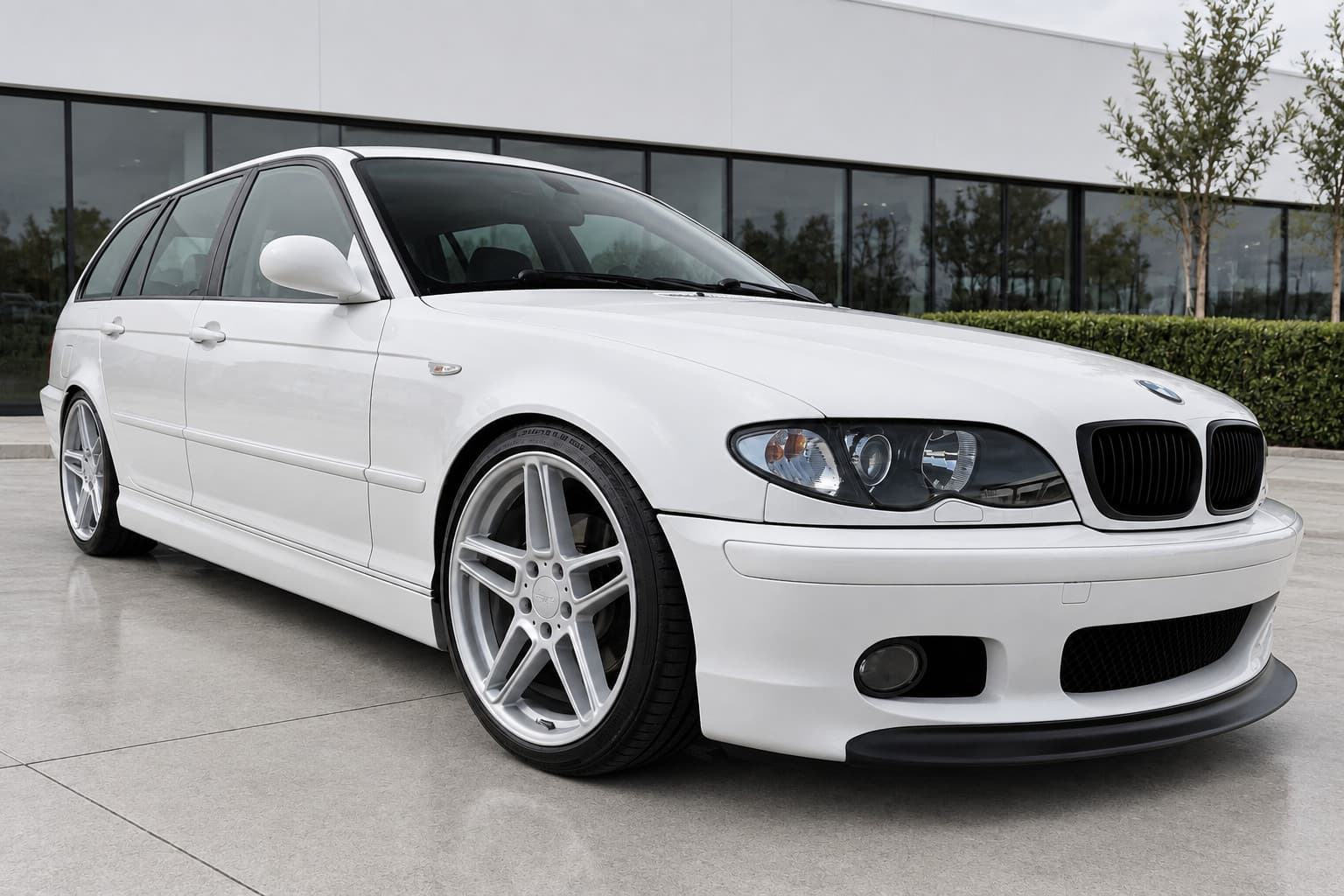
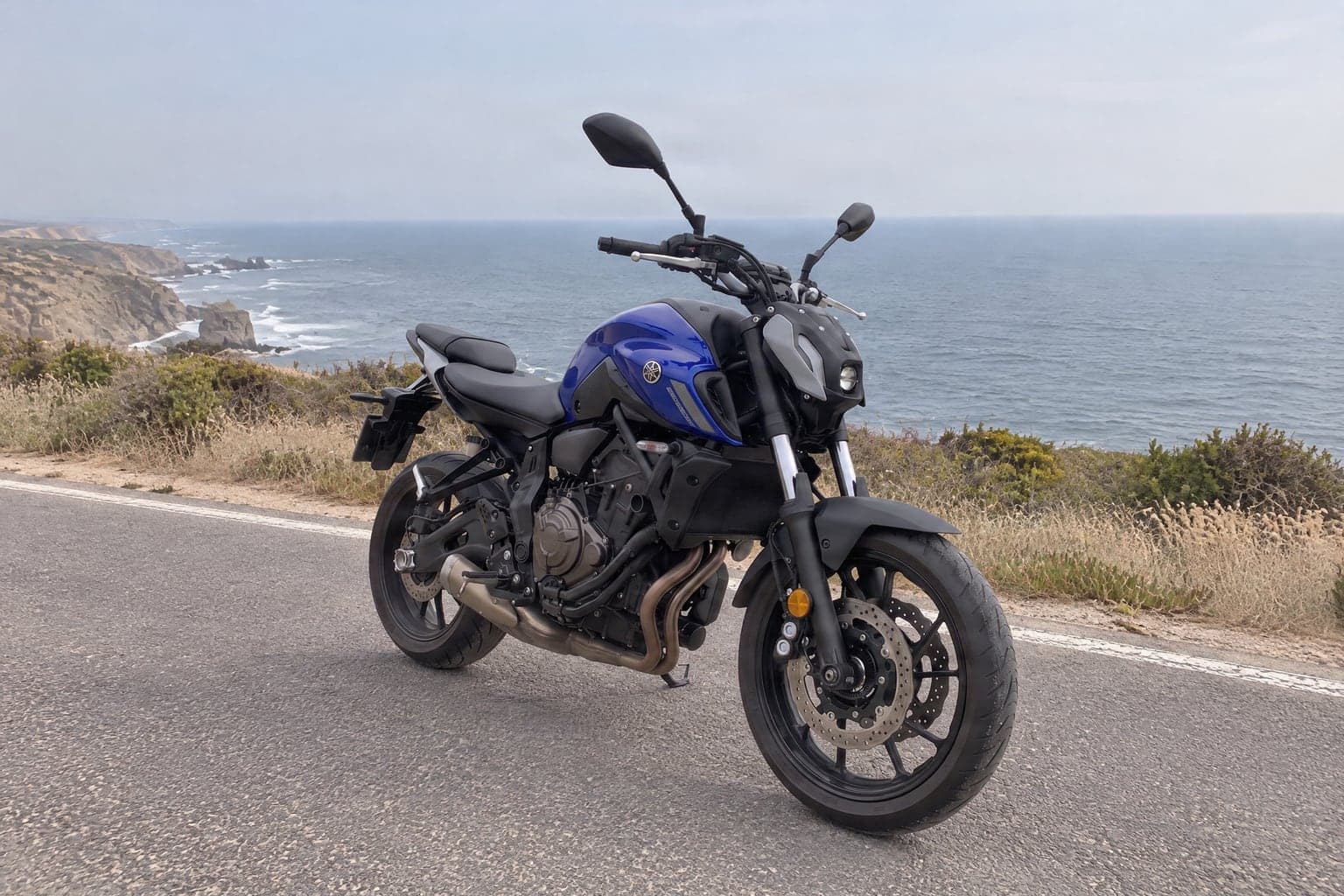
What to know about this mode
The vehicle is the one in your photo, with the light and reflections of the scene you chose.
The scene is created with AI from your photo, and the vehicle takes on that scene's light and reflections. See each photo next to the original and check details such as the wheels and trim.
CarStudio presents the vehicle, it does not hide its condition. In the new scene, a scratch or a dent can come out softer or not show at all, so always compare with the original photo.
You always decide what you use. Download the photos you want to use.
What people ask about this mode
How do I change the background of car photos?
Upload the exterior photos to CarStudio, up to 10 at a time, and pick one of the 17 studio, showroom or landscape scenes. You get the vehicle in the new scene, with its light, reflections and shadows, without cutting anything out by hand.
How much does it cost to change a photo's background?
3 credits per photo, with no subscription, and 2 credits more at maximum quality (4K). Credits are bought from 30 (€4.50). If you have no credits yet, you can make 3 free test photos, which carry the CarStudio mark until you unlock them.
Can I put my logo in the background?
Yes, in the scenes with a wall: your logo, or your name as text, goes on the wall and, if you like, on the number plate too. You choose it in the editor, next to the scenes, and it stays for the next photos.
Can I use a place of my own as the scene?
Yes. In the editor, create a scene from a photo of a place you like, your showroom or another, and use it for every vehicle. The place is recreated around each vehicle, so it looks like the photo rather than identical to it. Creating the scene uses no credits, and you can keep up to 5 in your account.
Which formats can I download the photos in?
In your photo's own framing or in a landscape (3:2 or 4:3), square (1:1) or portrait (9:16) crop, for listings, your website and social media.
Ready when you are
Sign in and upload the photos you already have: the result is ready in minutes.